
Example advert. This is what a Featured advert looks like on a show page — the business is fictional. See advertising formats & pricing
Your advert, in every visitor's hand
Adverts appear right inside the show guide visitors are already using — on the show home page and alongside the schedule. Here's a Featured advert exactly as a visitor sees it:
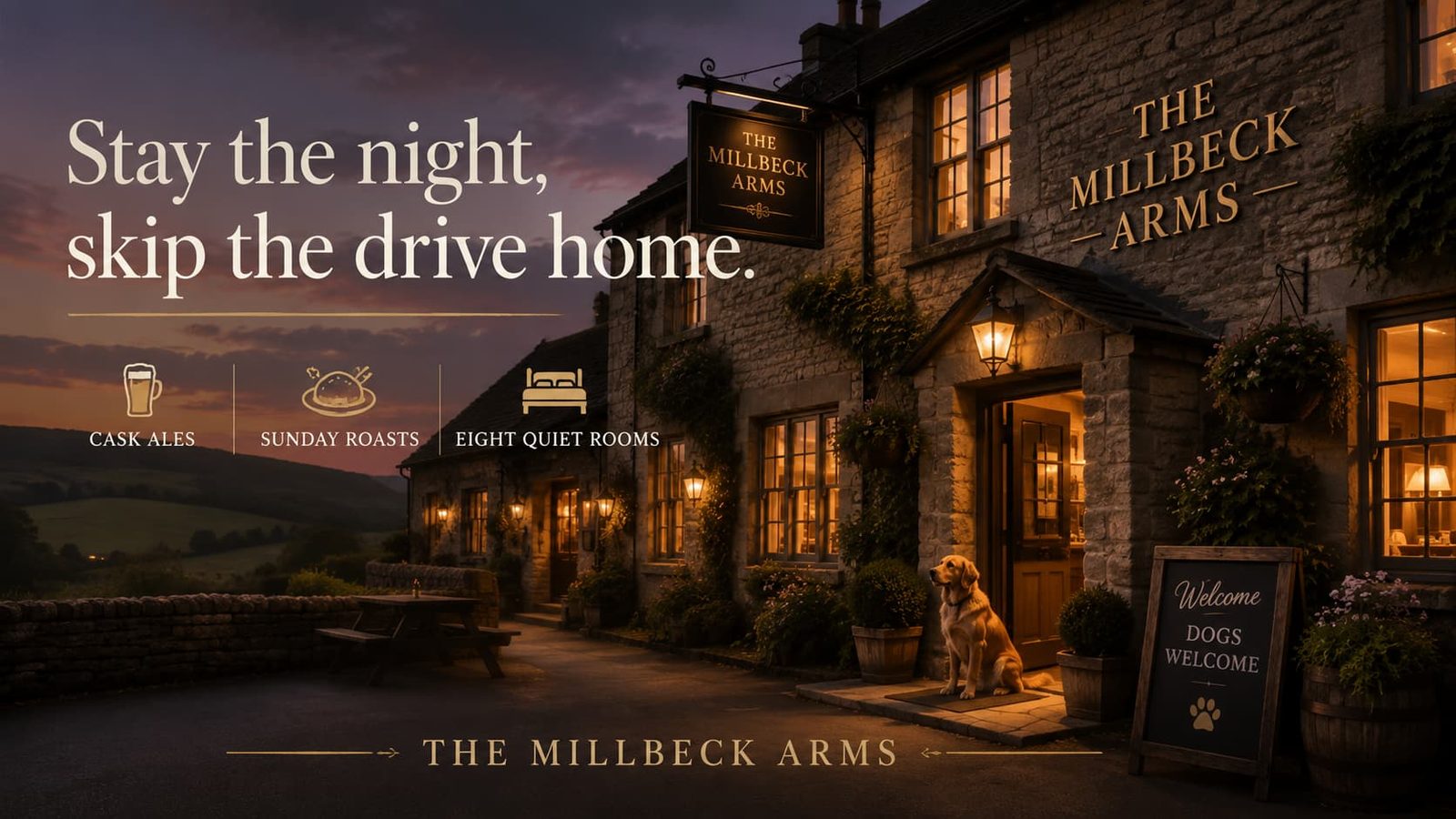
Where your advert appears
Listing adverts show your details in text; Card adverts add your image, headline and a call-to-action button; Featured adverts (like this one) get a second button and placement across multiple pages of the show guide. Every tap is tracked, and you see the numbers in your own analytics dashboard.
Your dashboard — a preview
Illustration only — this is your private advertiser dashboard, not shown to visitors.
Impressions
8,247
5,102 unique visitors
Clicks
312
Contact clicks
125
CTR
3.78%
Contact clicks by channel
Phone
47
Email
62
Facebook
16
Where your views came from
Show home page
47% of total views
3,891
Schedule page
26% of total views
2,142
Between sections
17% of total views
1,398
Vendor directory
10% of total views
816
What you can send
A Featured advert can include a push — every visitor who opens the guide sees it in the show's notification centre, and it also lands as a phone alert for those who've opted in.
Push notification
Reach thousands of local visitors on show day
Advertising formats & pricingPowered by ShowDayGuide™